WhatsApp Web Calling adds new call features for easier voice and video calls. See what’s new in this latest update.
WhatsApp Web Calling Adds New Features: Here’s What’s New
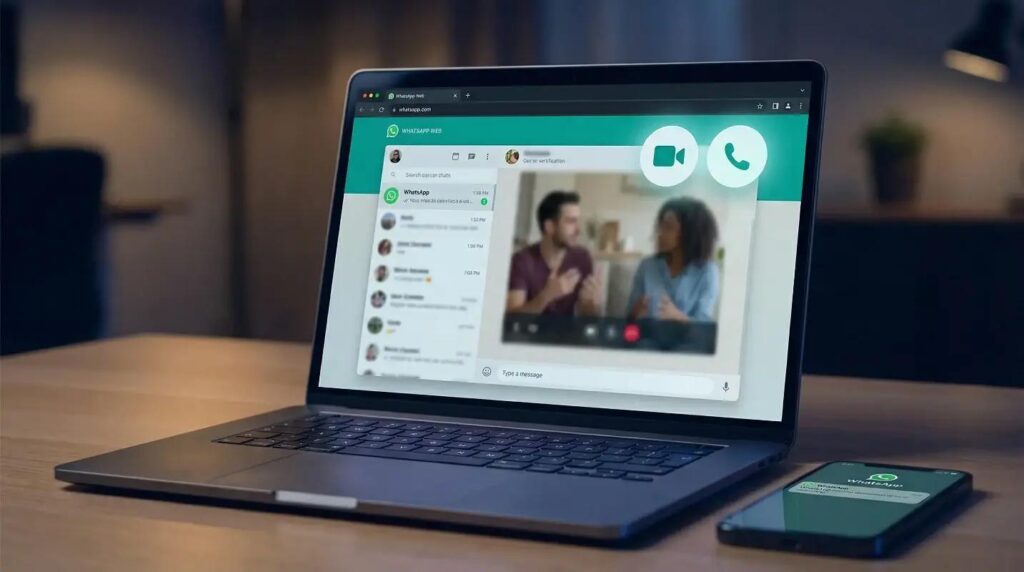
WhatsApp has launched WhatsApp Web Calling, making it easier for users to make voice and video calls directly from their web browser. Until now, users needed the desktop app for calling. However, this new update changes that.
The latest update also brings several useful calling features. As a result, users can enjoy a smoother and better calling experience on both desktop and web.
In this article, let’s look at everything new in the latest WhatsApp Web Calling update.
What Is WhatsApp Web Calling?
WhatsApp Web Calling allows users to make and receive voice and video calls directly from WhatsApp Web. Earlier, calling was available only in the Windows and Mac desktop apps.
Now, users can simply open WhatsApp in a supported web browser and start a call without installing any extra software.
This feature makes WhatsApp more useful for people who work on computers every day.
Why This Update Matters
Many people spend hours using a computer for work or study.
Because of this update, users no longer need to switch to their phone or desktop app when someone calls.
Instead, everything happens inside the browser. Therefore, communication becomes faster and more convenient.
New WhatsApp Calling Features
1. Voice Calls on WhatsApp Web
Users can now make voice calls directly from the browser.
This means there is no need to install the desktop app.
As long as your browser supports the feature, you can call friends, family, or colleagues easily.
2. Video Calls on the Web
WhatsApp now supports video calls on the web version as well.
Simply click the video call button and start talking.
This is especially useful for online meetings and family chats.
3. Better Call Controls
WhatsApp has improved the call interface.
Users can now quickly:
- Mute the microphone
- Turn the camera on or off
- End calls easily
- Switch between voice and video during supported calls
These controls make calling simple and smooth.
4. Improved Audio Quality
The latest update also improves sound quality.
As a result, voice calls are clearer even on average internet connections.
This helps reduce misunderstandings during conversations.
5. Better Video Quality
Video calls now look sharper.
WhatsApp has worked on improving video performance.
Therefore, users can enjoy clearer video while talking.
6. Easy Device Switching
WhatsApp continues to support multi-device features.
You can move between your phone, desktop, and web without losing your chats.
This makes using WhatsApp much more flexible.
7. Secure End-to-End Encryption
Privacy remains one of WhatsApp’s biggest strengths.
Like mobile calls, WhatsApp Web Calling is protected with end-to-end encryption.
This means only the people on the call can hear or see the conversation.
Even WhatsApp cannot access your private calls.

Who Can Use WhatsApp Web Calling?
The feature is rolling out gradually.
You may receive it if:
- You use the latest version of WhatsApp.
- Your browser is supported.
- Your account is part of the rollout.
If you do not see the feature today, you may receive it soon.
Supported Browsers
WhatsApp Web Calling is expected to work on popular browsers like:
- Google Chrome
- Microsoft Edge
- Mozilla Firefox
- Safari (supported versions)
Keeping your browser updated will help you access new features faster.
How to Make a Call on WhatsApp Web
Follow these simple steps:
Step 1
Step 2
Log in by scanning the QR code.
Step 3
Open any chat.
Step 4
Click the voice or video call button.
Step 5
Allow microphone and camera permissions if asked.
Step 6
Start your call.
That’s it.
Benefits of WhatsApp Web Calling
The new feature offers several advantages.
No Desktop App Needed
Users can now call directly from the browser.
Easy for Office Work
Employees can answer calls without touching their phones.
Better Productivity
Everything stays in one place.
You can chat, share files, and make calls from the same browser window.
Saves Time
There is no need to install additional software.
Are There Any Limitations?
The feature is still rolling out.
Because of this, not everyone will see it immediately.
Also, some browsers may receive support before others.
In addition, a stable internet connection is still needed for the best experience.
What This Means for WhatsApp Users
This update shows that WhatsApp wants to make communication easier across all devices.
Many users already depend on WhatsApp for personal and business conversations.
Now, with WhatsApp Web Calling, people can work faster without switching devices.
As more users receive the update, browser-based communication will become even more common.
Final Thoughts
The arrival of WhatsApp Web Calling is a welcome update.
It removes the need for the desktop app and makes calling much more convenient.
Along with improved audio, better video quality, and simple controls, the new features create a better overall experience.
If the feature has not reached your account yet, keep your browser and WhatsApp updated. You should receive it soon as the rollout expands.
Frequently Asked Questions (FAQs)
1. What is WhatsApp Web Calling?
It allows users to make voice and video calls directly from WhatsApp Web using a browser.
2. Do I need the desktop app?
No. The new feature works directly in supported web browsers.
3. Is WhatsApp Web Calling free?
Yes. It works over your internet connection, just like normal WhatsApp calls.
4. Are WhatsApp Web calls secure?
Yes. Calls are protected with end-to-end encryption.
5. Which browsers support WhatsApp Web Calling?
Popular browsers like Chrome, Edge, Firefox, and Safari are expected to support the feature.
6. Why can’t I see the feature?
The update is rolling out in stages. You may receive it soon.
External Links
- WhatsApp Official: https://www.whatsapp.com/
- WhatsApp Web: https://web.whatsapp.com/
- WhatsApp Help Center: https://faq.whatsapp.com/